XSPONSE
Guardian Platform
One web-based platform to manage every device, every zone, every event, and every response. Built for IT teams who need full visibility and zero gaps in their emergency infrastructure.
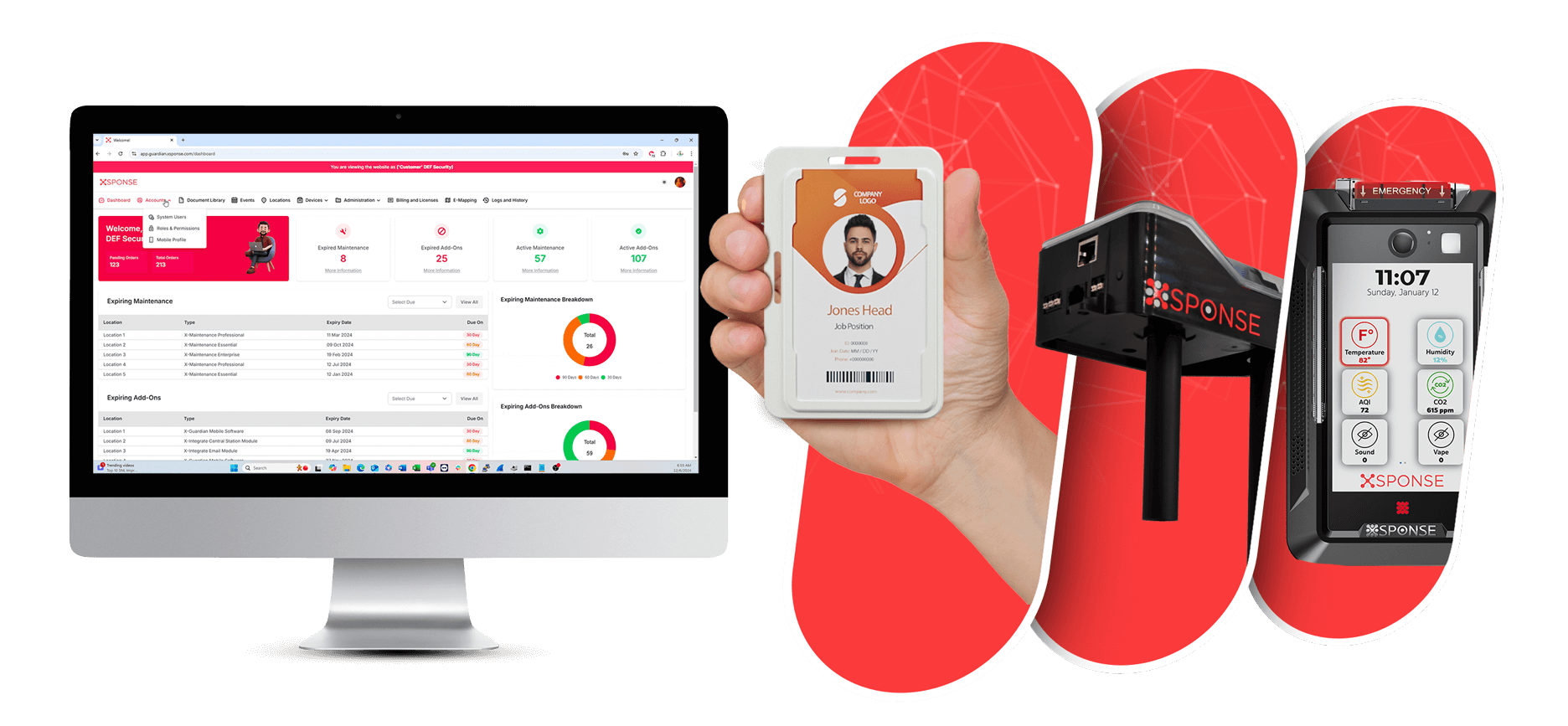
One web-based platform to manage every device, every zone, every event, and every response. Built for IT teams who need full visibility and zero gaps in their emergency infrastructure.
This page is a technical walkthrough of the X-Guardian platform. Everything below reflects what your IT team will see, configure, and manage day-to-day: device health, event configuration, role-based access, firmware updates, audit logging, and more.
XSponse delivers comprehensive security management through two integrated platforms: X-Guardian for centralized command & control, and X-Integrate for seamless system connectivity.
Centralized command & control platform that delivers real-time tracking, instant alerts, automated emergency responses, and advanced analytics for comprehensive security management.
Explore X-GuardianSeamless integration modules that ensure interoperability, automation, and connectivity across your entire security ecosystem with open APIs and standard protocols.
Explore X-Integrate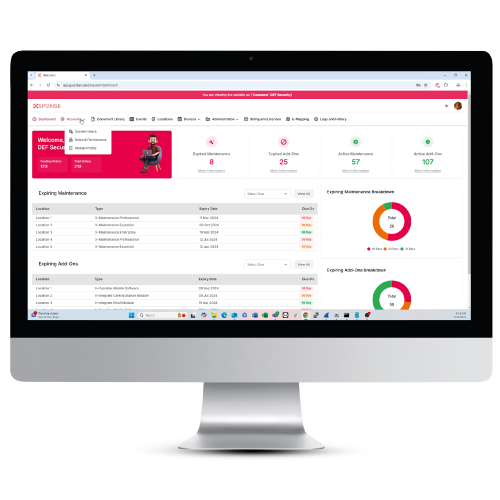
Real-time monitoring, incident management, and comprehensive analytics in one unified interface.
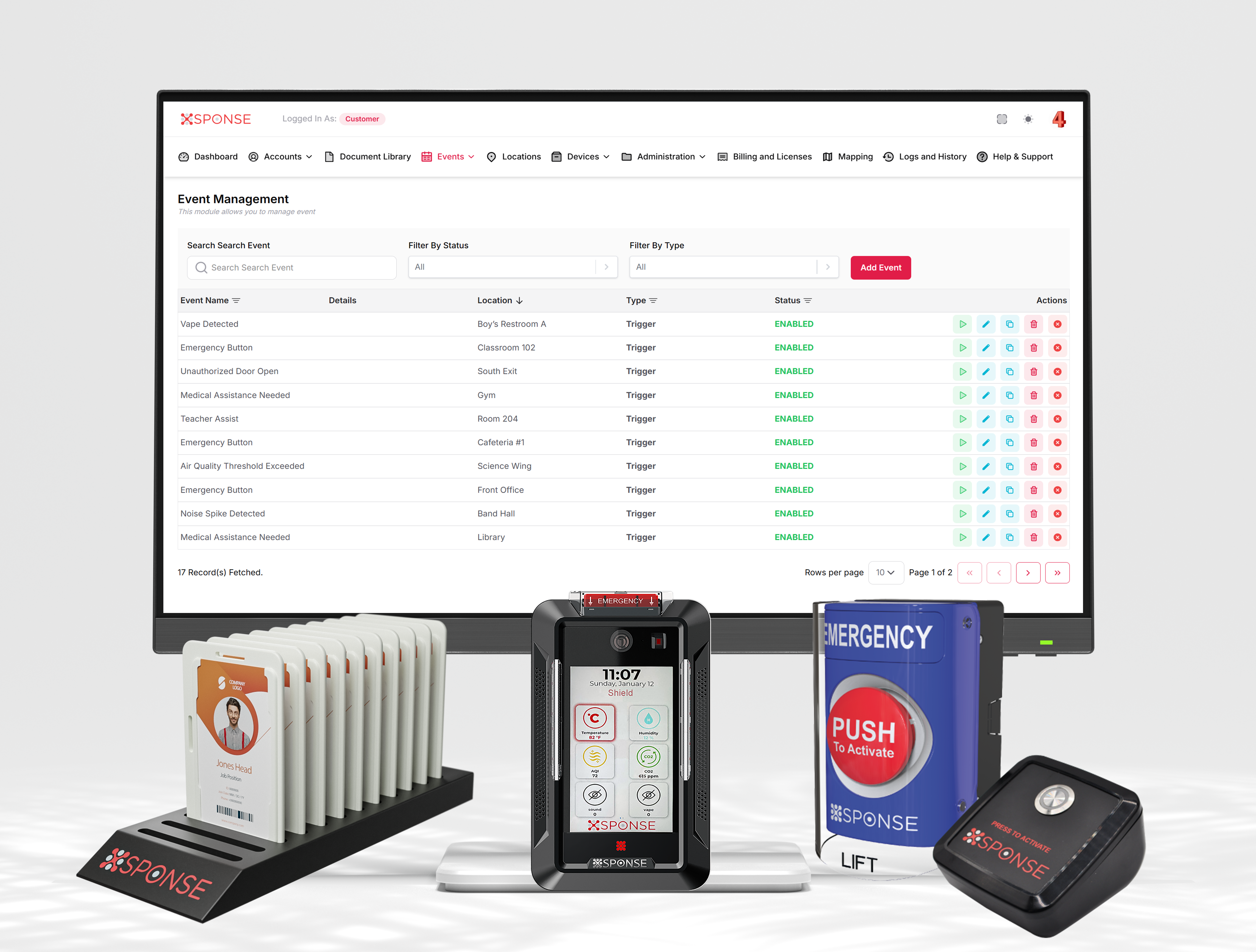
All your security devices and systems connected and working together seamlessly.
Device status at a glance with online/offline counts, activation trends over 12 months, and maintenance renewal alerts. Know your system health instantly.
Upload floor plans, create color-coded zones, drag-and-drop device icons, and view live camera feeds from an interactive building map with room-level detail.
Create, configure, and clone alert events with custom triggers. Assign events to locations, enable or disable instantly, and build virtual triggers for complex workflows.
Organize devices into logical groups, configure paging groups for broadcasting, and assign device profiles per location. Filter by type, status, firmware version, or configuration state.
Manage physical sites with assigned device counts, license tracking, maintenance expiration monitoring, and online status. Scale from one building to an entire district.
Custom and TTS alert sounds for lockdown, health alert, panic activation, and more. Upload your own or use built-in presets.
Define time-based activation schedules so the system adapts to school hours, after-hours, and special events automatically.
Configure custom LED strobe patterns per event type. Set different colors and flash rates for lockdown vs. health alert vs. fire.
Send real-time commands to any device or group from a central console. Trigger events, clear alerts, and update configurations on the fly.
Create and manage audio playlists for PA systems including bell schedules, announcements, and emergency messaging in one place.
Maintain emergency contacts, administrative contacts, and notification recipients with direct integration into event workflows.
Define and manage custom device properties and metadata. Tag devices with additional attributes for advanced filtering and reporting.
View detailed device specifications, version information, configuration state, and assignment history. Manage individual device settings from one profile view.
Create accounts, assign roles, filter by account type and 2FA status. Export user lists and track locked accounts. Full user lifecycle management with contact-based access.
Granular permissions across the entire platform. Create custom roles, assign per user, and update at any time. Enterprise RBAC built in with full auditability.
Configure mobile app access per location. Assign events, users, bell schedules, chat rooms, recording, and text-to-speech capabilities per profile.
Every triggered event is recorded with timestamp, event name, controller ID, location, and completion status. Filter by location or status and search across the full history.
Track every over-the-air firmware update pushed to devices. See which devices updated, when, and whether the update succeeded or needs attention.
Historical device health and connectivity data. Track when devices go online or offline, spot patterns, and proactively address connectivity issues before they become emergencies.
Full record of user login activity. See who accessed the platform, when, and from where. Essential for security audits and compliance reporting.
Centralized repository for installation manuals, training videos, and technical documentation. Grid or table view with category and status filtering.
View purchase history, license details, and maintenance subscriptions per location. Auto-renew tracking with clear expiration dates and renewal alerts.
Searchable knowledge base with quick-start guides, troubleshooting articles, and categorized help sections. Get your team up and running fast.
Schedule a live walkthrough and let your IT team evaluate the X-Guardian platform firsthand. See every module, every configuration option, and every integration point.